Make reviews easy to find
Add each branch’s Google review link so customers can leave a review if they choose.
US consumer survey · BrightLocal 2026
How many reviews does your business have today?
However good your service is, without a good review system today, you could lose future customers.
With TapSabai, customers can tap an NFC sign or scan its QR code to open your storefront. They can browse services, contact you, or choose to write a Google review.
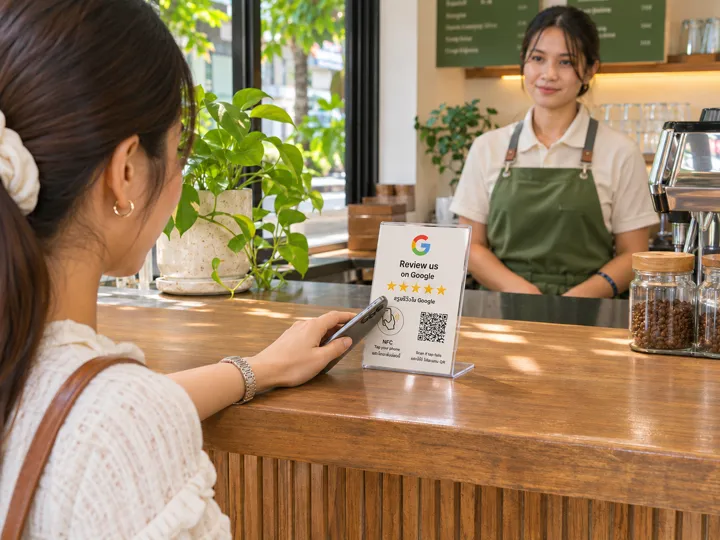
Add your business name, branch details, and the branch’s Google review link.
Put it somewhere easy to reach, such as at the counter. Customers can tap NFC or scan the QR code.
Use TapSabai Studio to edit your details and see page views or link clicks for each sign.
Add each branch’s Google review link so customers can leave a review if they choose.
Offer menus or services, directions, contact details, and Wi-Fi as needed.
Label signs and see activity separately for the counter or each branch.
TapSabai offers add-on services for every type of business. Guests can book before they arrive, check the menu or connect to Wi‑Fi on site, and leave a Google review after their visit. Choose which services to offer.
Open menus and prices, find a branch and get Wi‑Fi from the table.
Share stay information, directions, Wi‑Fi and the right booking-site review links.
Show treatments, prices and durations, and take booking requests.
Let guests choose a cut, color or nail service and request a time.
Show product categories, opening hours and branch directions.
Show services and accept consultation requests.
Show class times and membership details, and take class bookings.
List packages and pickup points, and take tour or transfer requests.
Share service prices and let customers request a wash or inspection.
List diagnostics, estimates and device drop-off options.
Put opening hours, services and contact buttons in one place.
Choose the tools your business needs, from reviews and menus to bookings, maps and Wi‑Fi.

Restaurants and cafés
Put a sign by the till so guests can tap or scan to open your menu or leave a Google review.
Open storefront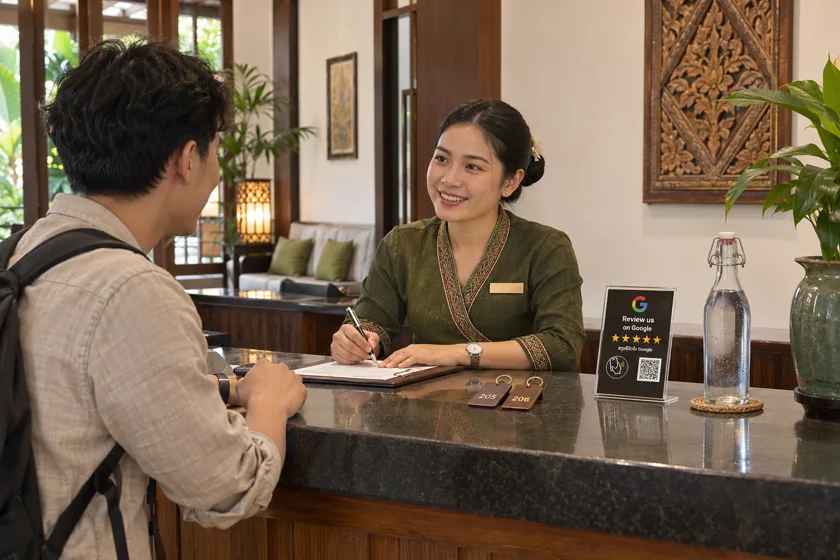
Hotels
Put Wi‑Fi details and review links for the platforms guests booked through on one page.
Open storefront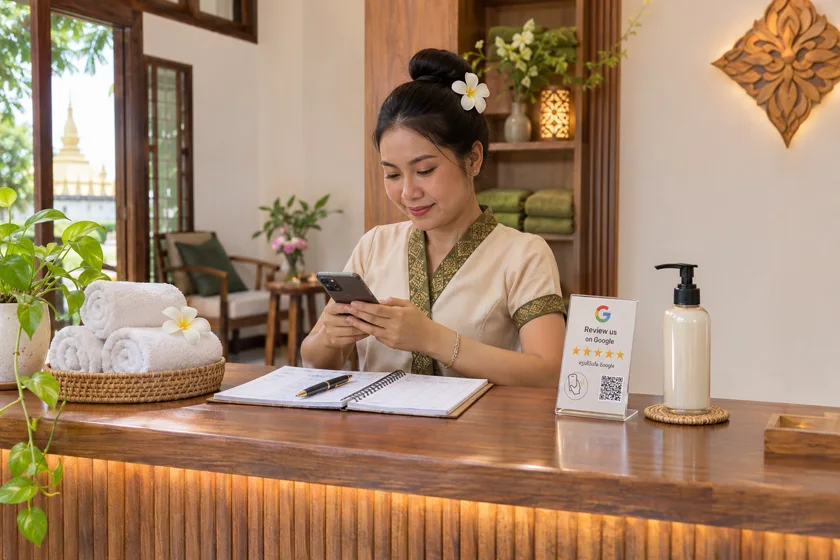
Spas
Let customers view treatments, prices and durations and send a booking request from your storefront.
Open storefront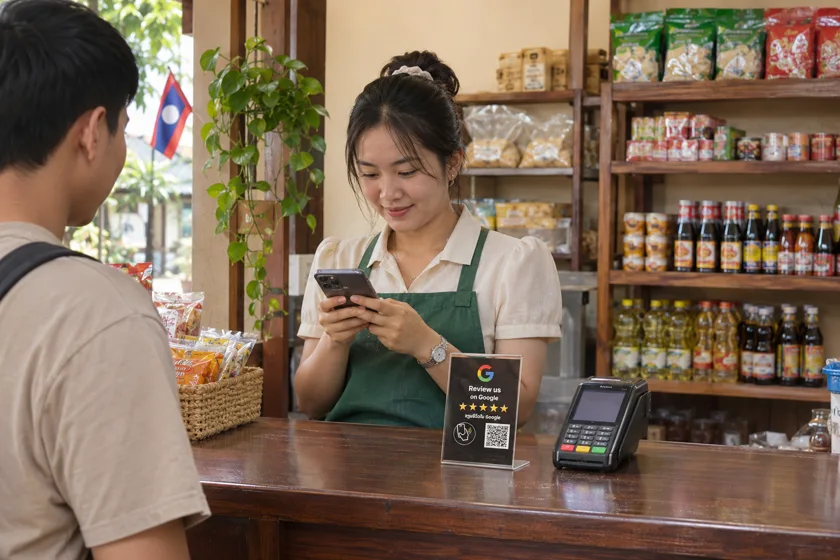
Retail stores
Put your opening hours and Google Maps directions together on your storefront.
Open storefront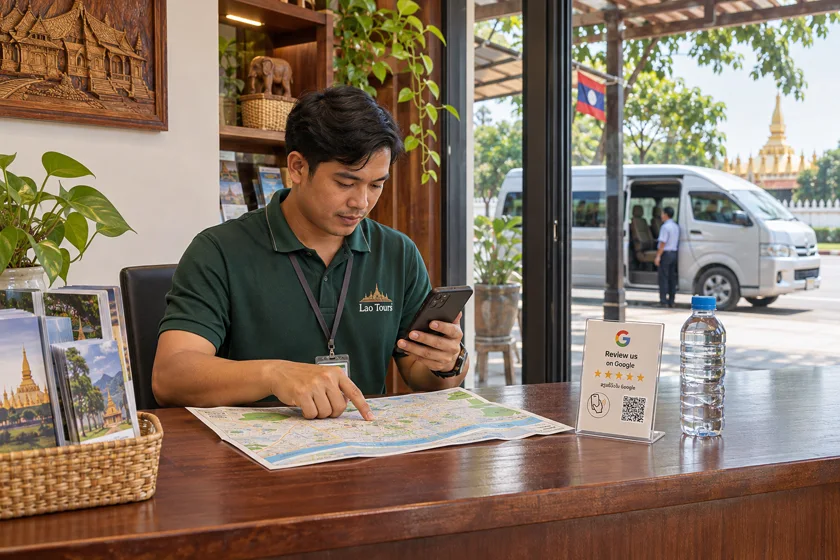
Tours and transfers
List pickup details and packages and give guests a place to request a tour or transfer.
Open storefront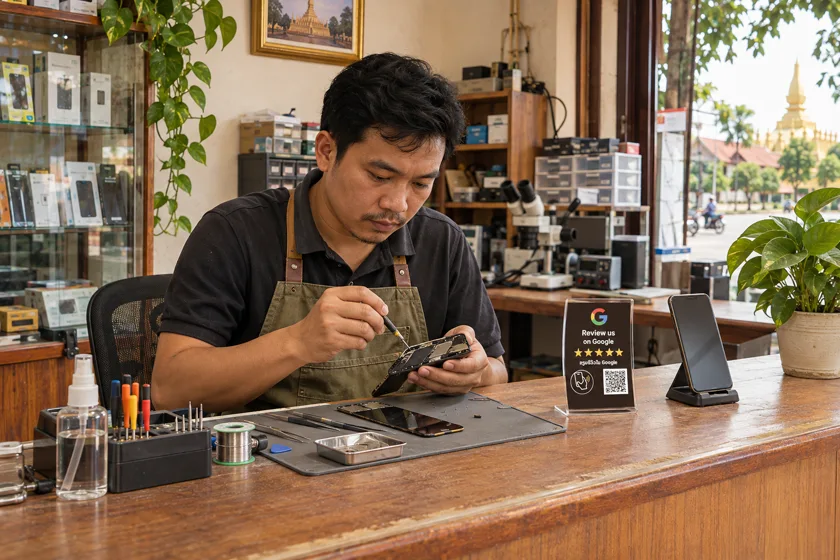
Phone and device repair
List services, prices and durations and let customers request a drop-off appointment.
Open storefrontCreate a business account to get started with TapSabai Studio, or explore storefronts by business type.
Ask about signs, plans, or setting up your storefront.